Get started / Quickstart
Quickstart
See where your AI agents’ spend goes in about five minutes. You’ll install the collector where your agents run, and DataFocal reads the transcripts they already write.
1. Install
Run it on a machine where Claude Code or Codex runs. It finds their transcripts on its own; nothing to instrument. Pick one:
Free, on your machine
Everything runs locally: the collector, storage and console. No account needed. You need Linux with systemd and docker, plus Go and Node to build it.
git clone https://github.com/datafocal/datafocal
cd datafocal
make install-local
The console is then at http://localhost:8080/ui/.
Team, hosted by us
Sends to your DataFocal workspace so your whole team sees it. Talk to us and we’ll set up your workspace and collectors with you.
2. Open the console
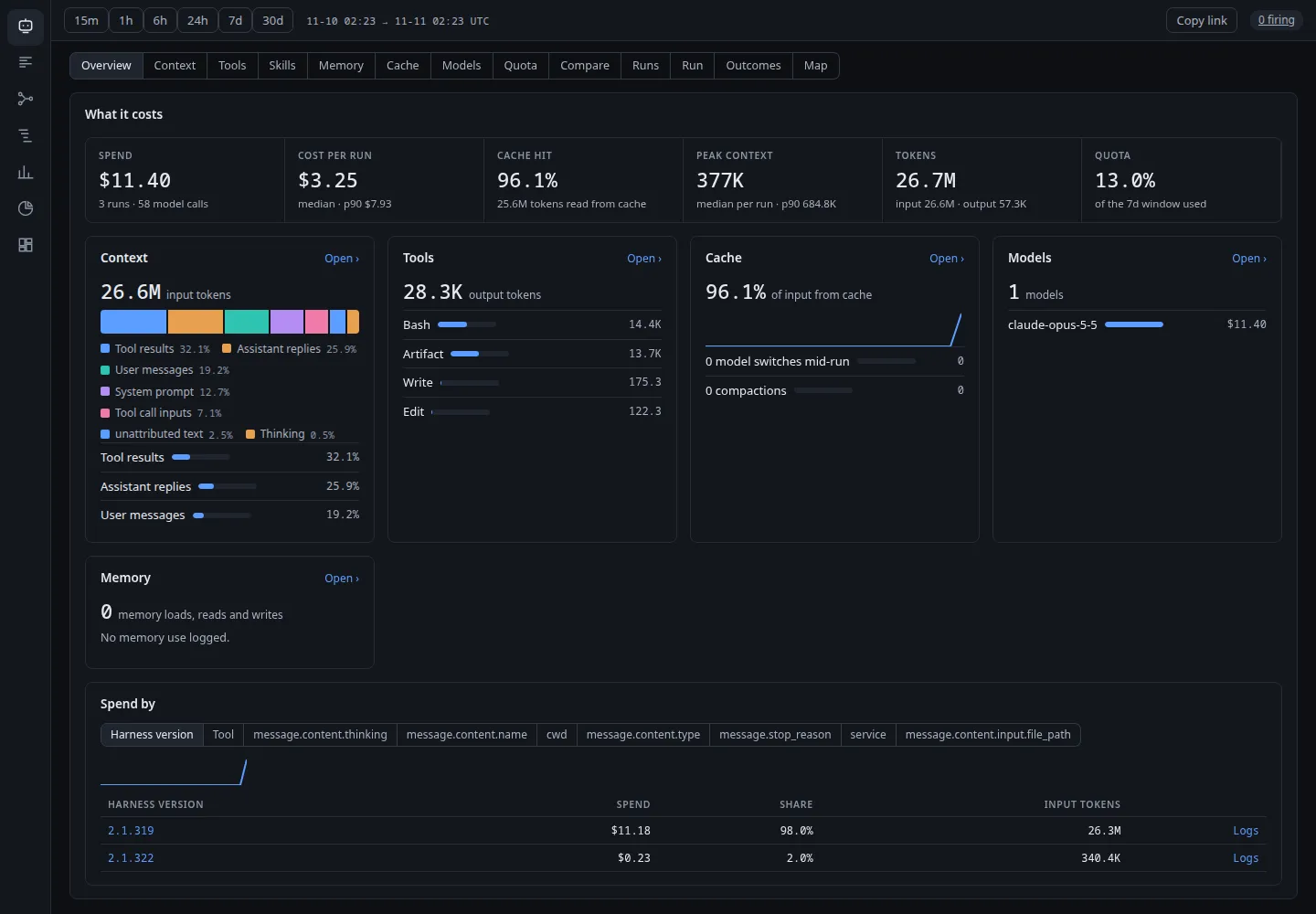
The AI view fills in with spend, cost per run, cache hit rate and outcomes from your existing transcripts. Findings appear as soon as DataFocal has enough history to know what normal is.
3. Ask what changed
Type a question in the console, or ask your agent once it’s connected.
Searching, filtering and drilling down are always free.